What Are AI Image Generators?
AI image generators are tools that use machine learning to create pictures from text descriptions. You type in what you want, like “a sunny beach with palm trees,” and the tool makes an image that matches. These systems learn from huge sets of pictures and words to understand how to build new ones. For content creators, this means quick access to custom visuals without needing to draw or hire artists.
Many tools now offer options like changing styles, adding text, or editing parts of the image. This tech has grown fast, with models getting better at making realistic or artistic results. Content creators can use them for blog posts, social media, videos, or marketing materials to save time and spark ideas.
These generators work by breaking down your prompt into key parts, such as objects, colors, and moods. The AI then puts together pixels based on patterns it learned. Some tools focus on speed, while others aim for high detail. Safety features often block harmful content, and most allow downloads in different formats. As a content creator, knowing the basics helps you pick the right tool for your needs, whether it’s free options for starters or paid ones for pros.
Why Content Creators Should Use AI Image Generators
Content creators face tight deadlines and need fresh visuals to stand out. AI image generators cut down on time spent searching stock photos or creating from scratch. Instead of hours editing in software, you get ready-made images in minutes. This speeds up workflows for blogs, YouTube thumbnails, or Instagram posts. Plus, they offer endless variety, letting you try different styles like cartoon or photorealistic without extra costs. For small teams or solo creators, this levels the playing field against big budgets.
Another big plus is cost savings. Traditional methods like hiring photographers or buying licenses add up fast. AI tools often have free tiers or low monthly fees, making them budget-friendly. They also boost creativity by suggesting ideas through variations on your prompts. If you’re stuck on a concept, generate a few options to get inspired. Many integrate with other apps, so you can pull images straight into your editing software. Overall, these tools make content production more efficient and fun, helping you focus on storytelling rather than logistics.
Quality matters too. Modern AI produces sharp, high-resolution images that look professional. You can tweak them to fit your brand’s look, ensuring consistency across posts. For example, if your content is about travel, generate custom scenes that no one else has. This uniqueness can improve engagement, as audiences respond better to original visuals. Ethical use is key, but when done right, AI enhances your work without replacing human touch.
How to Choose the Right AI Image Generator
Picking an AI image generator starts with your needs as a content creator. Think about ease of use first. If you’re new, look for simple interfaces with prompt suggestions. Tools like ChatGPT let you chat naturally to refine images, which feels intuitive. For advanced users, options with detailed controls like aspect ratios or style references work better. Check if it handles your common tasks, such as adding text or editing existing photos.
Pricing is crucial. Free plans suit testing, but paid ones offer more generations and higher quality. Compare limits—some cap daily uses, others charge per image. Integration matters too; does it connect to your tools like Photoshop or Canva? Read reviews for reliability, as some excel in realism while others shine in art styles. Test a few with the same prompt to see which matches your vision best.
Consider privacy and rights. Some tools make images public by default, which might not fit if you create client work. Look for commercial licenses to use outputs in paid content. Features like batch generation save time for bulk needs, like social media series. Finally, think about community support. Platforms with forums or examples help you learn faster and fix issues.
Must read our Ultimate Guide to AI Writing Assistants for Bloggers.
Top AI Image Generators for Content Creators
Many AI image generators stand out in 2025, based on reviews and tests. We’ll cover eight popular ones, focusing on features that help content creators. Each offers unique strengths, from realism to text handling. We picked these for their high ratings and fit for tasks like making blog headers or video thumbnails.
Midjourney
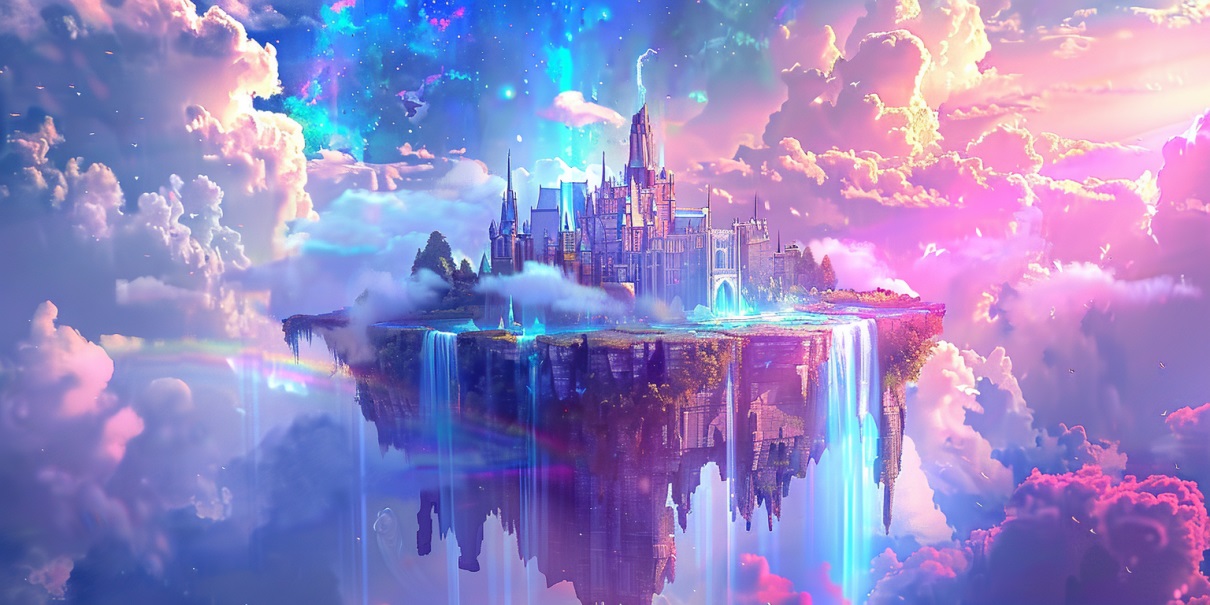
Midjourney runs through Discord or a web app, making it social and easy to share ideas. You type prompts to generate four image options at once, then upscale or vary them. It learns your tastes over time if you rate outputs. Key features include style tuning, character consistency, and now video clips from images. For content creators, this means quick artistic visuals for posts or covers. Pros: Stunning textures and colors, great for human faces and creative scenes. Cons: Public images by default on free tiers, and it takes practice to master commands. Pricing starts at $10/month for basic access with 200 images.
As a creator, start with simple prompts and add details like “in the style of Van Gogh” for unique results. Use the community gallery for inspiration. If you make fantasy content, Midjourney’s prompt adherence shines in complex worlds. Avoid vague terms to get better matches. Overall, it’s ideal for those wanting high-end art without drawing skills.
DALL-E 3 (via ChatGPT)
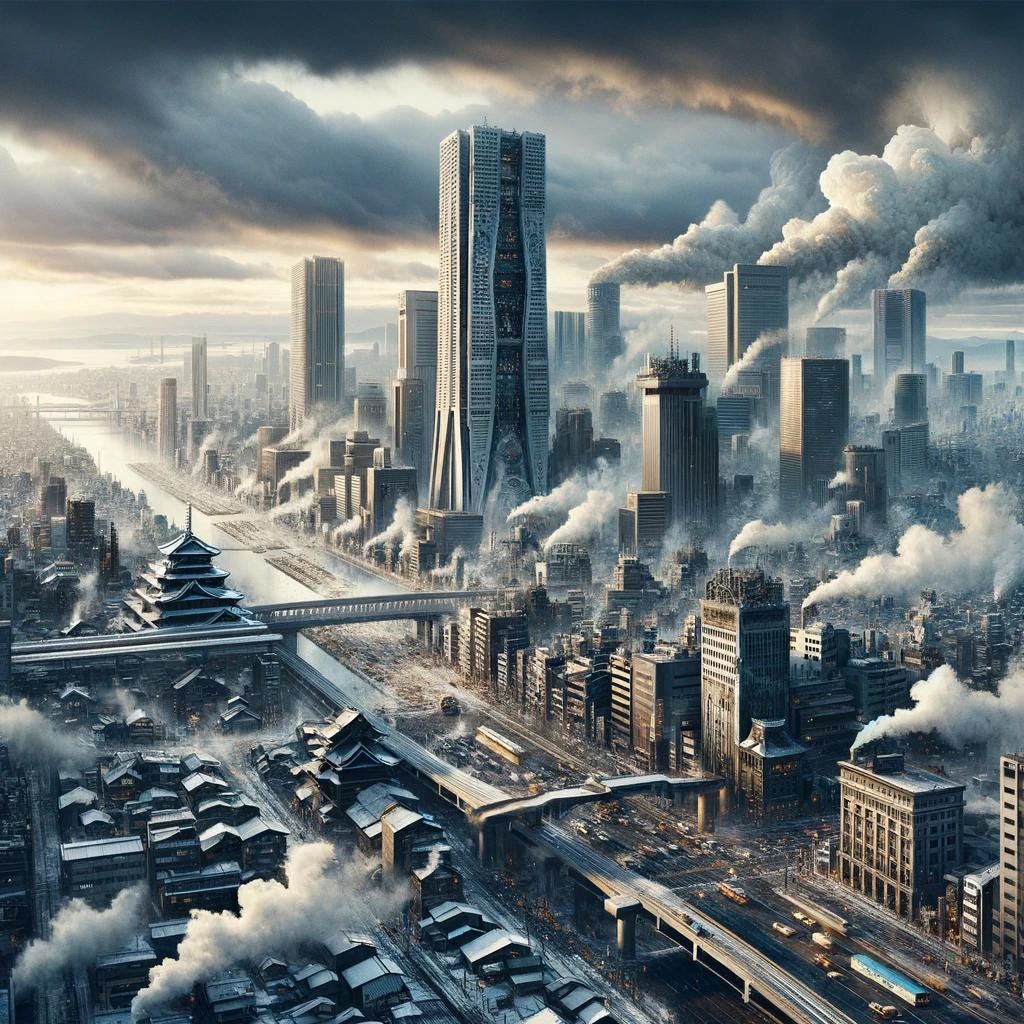
DALL-E 3 integrates into ChatGPT, letting you generate images in conversations. It handles long prompts well, creating one square image per request with options to edit or extend. Features include text rendering, style changes, and safety filters for content. Content creators benefit from its conversational edits—just say “make the sky blue” to tweak. Pros: Accurate text in images, vivid details, easy for beginners. Cons: Slower generation, no free unlimited access. Costs $20/month via ChatGPT Plus.
For best use, build prompts step by step in chat. This tool fits blog writers who need hero images or infographics with words. Test variations to find the perfect fit. Its ethical training avoids IP issues, making it safe for commercial work.
Stable Diffusion
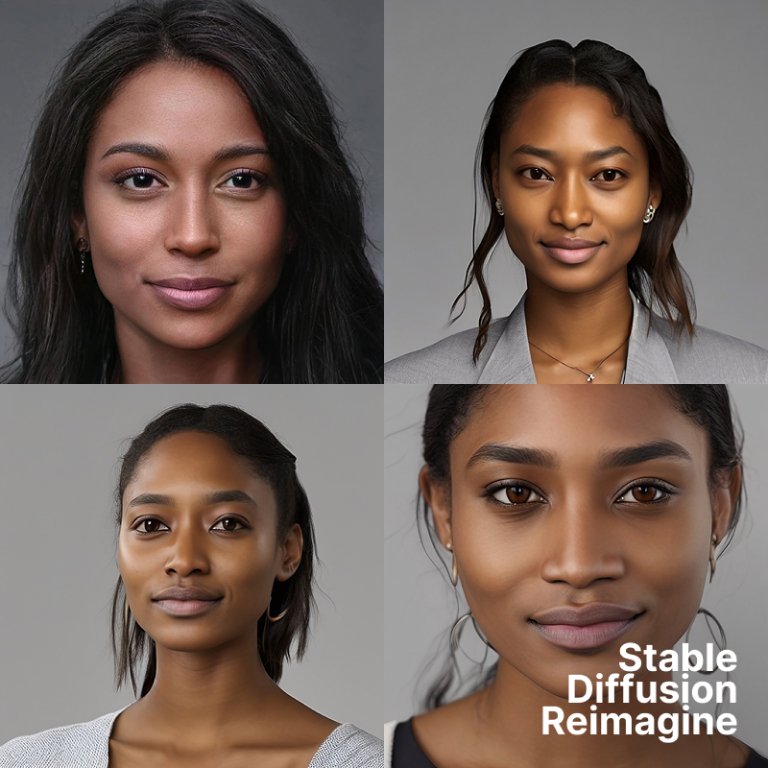
Stable Diffusion is open-source, accessible via apps like Stable Assistant or local setups. It generates one image per prompt, with strong in-painting to edit parts. Upload your own photos as bases, or create 3D models. For content creators, this means custom edits for branding. Pros: Versatile editing, good adherence, free basic use. Cons: Artifacts in complex scenes, needs tech setup for full power. Pricing varies; some platforms charge $10/month.
Run it locally for privacy if you have a good computer. Use negative prompts to avoid unwanted elements, like “no blur.” Great for product mocks or character designs in stories.
Adobe Firefly

Adobe Firefly ties into Photoshop and Express, offering text-to-image with reference uploads and style controls. Edit with Generative Fill to change areas or add text. Trained on licensed stock, it provides indemnity for use. Content creators in Adobe’s world get seamless workflows. Pros: Pro editing tools, fast, ethical sourcing. Cons: Weaker photorealism, struggles with text. Free with 25 credits/month; premium $4.99 for more.
Use it for mockups by uploading sketches. Pair with video features for short clips. Suits designers making ads or web graphics.
Leonardo AI

Leonardo AI offers multiple models like Phoenix for realism. Features include sketch-to-image, transparent backgrounds, and upcoming video. Control elements like lighting or themes. Free plan gives 150 images daily. Pros: Detailed outputs, prompt helpers, community. Cons: Complex interface. Paid from $10/month.
Ideal for game devs or illustrators needing consistent styles. Use Elements for quick tweaks.
Ideogram
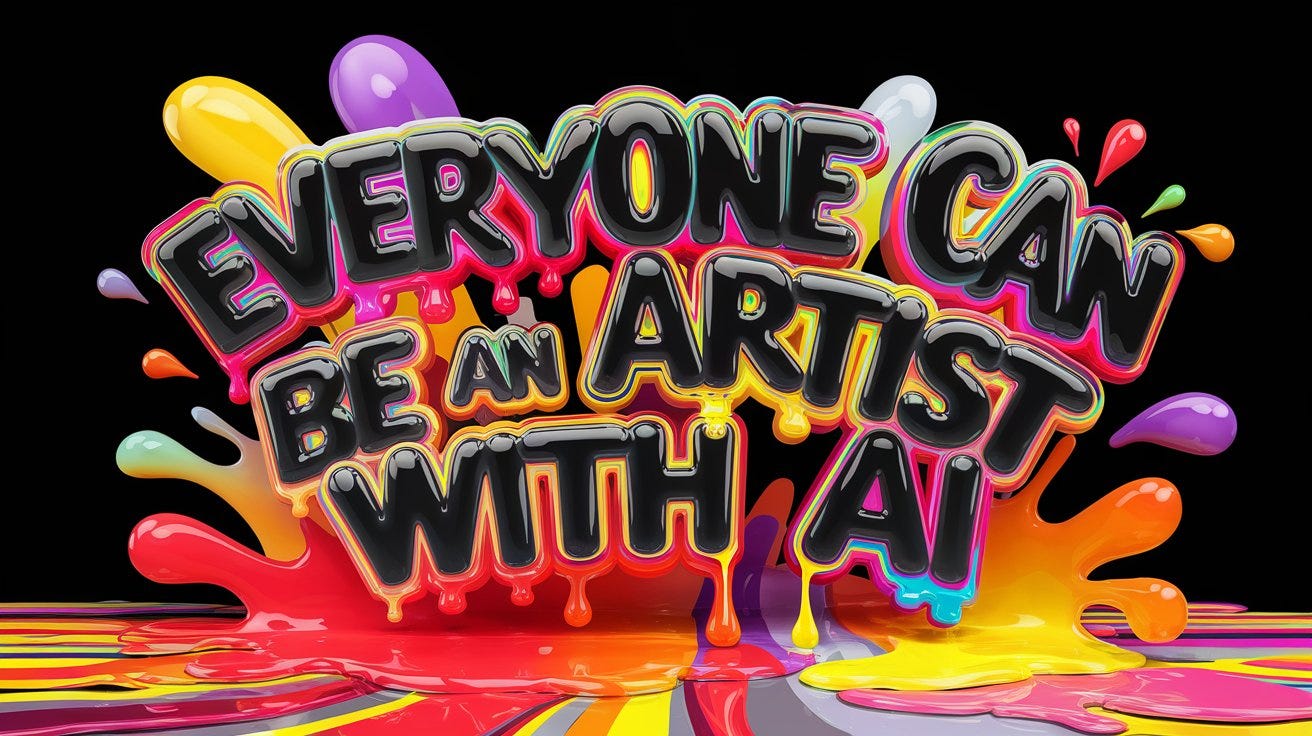
Ideogram excels at text in images, with Canvas for edits and batch mode. Upload styles for reference. Free 25 prompts/day; paid $8/month. Pros: Sharp text, design tools. Cons: Less control.
Great for quotes or posters. Magic Prompt refines your ideas.
Google Gemini (Imagen)
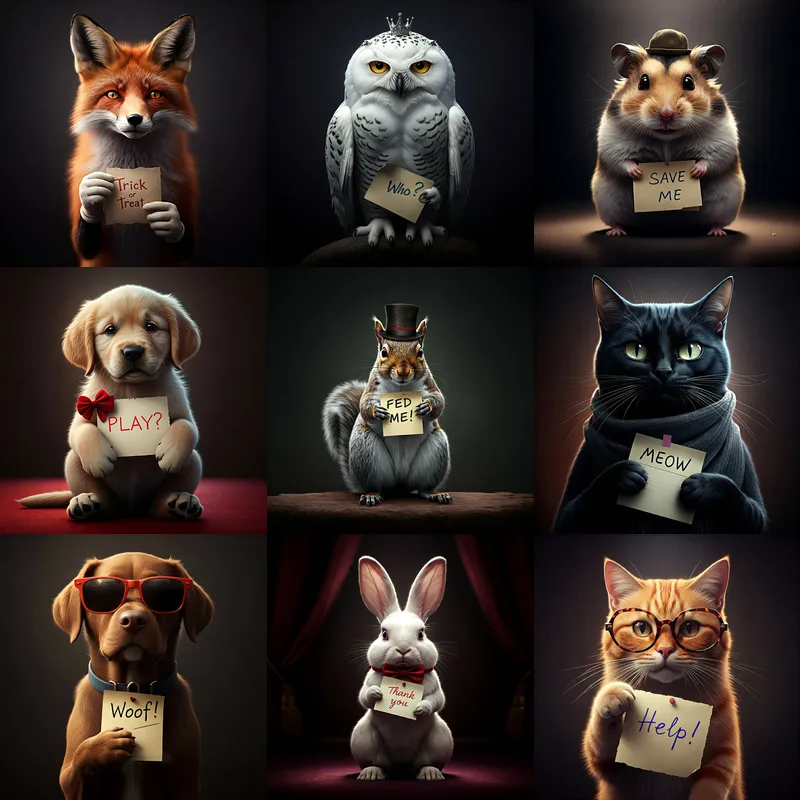
Gemini uses Imagen for sharp images, with natural edits. Free with Google account; advanced $20/month. Pros: Easy prompting, watermarks. Cons: Limits on people in free.
Fits Google users for quick visuals.
Flux
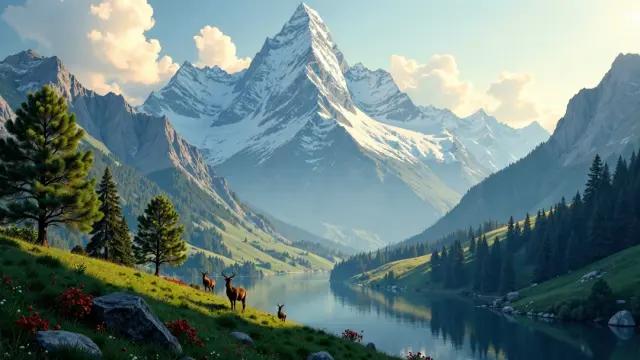
Flux from Black Forest Labs offers pro models for editing. Access via platforms like NightCafe. Pros: Powerful, open. Cons: New, varying access. Free trials; paid per platform.
Good for custom setups.
Tips for Getting the Best Results from AI Image Generators
Craft clear prompts with details like mood, colors, and composition. For example, say “a red sports car on a mountain road at sunset, wide angle” instead of just “car.” Experiment with styles by adding “photorealistic” or “oil painting.” Use iterations—most tools let you vary or remix outputs to refine. Learn negative prompts to exclude things like “blurry” or “dark.”
Practice prompt engineering. Start broad, then narrow. Reference artists or eras for specific looks. For content creators, match your brand by consistent terms across generations. Save good prompts for reuse. If results fall short, try different tools for the same idea. Always check resolution for your needs, like high-res for prints.
Handle common issues like odd hands by specifying “detailed hands.” Combine tools—generate in one, edit in another. Stay updated on updates, as models improve often.
Ethical Considerations in AI Image Generation
AI tools train on vast data, raising questions about copyright. Use platforms with licensed training like Firefly to avoid issues. As creators, attribute if basing on others’ work. Be aware of biases in outputs, like skewed representations—diversify prompts to counter this.
Respect rules on deepfakes or misleading images. For commercial use, confirm licenses. Think about impact on artists; use AI to aid, not replace. Privacy: Some tools store prompts, so review policies.
The Future of AI Image Generation
By 2025, tools add video and 3D from text. Integration grows with apps for seamless work. Models get faster, more accurate, with better text and realism. Open-source options like Flux push innovation. Expect more ethical focus, like transparent training.
For creators, this means richer content with less effort. Trends include personalized AI that learns your style.
Conclusion
AI image generators transform how content creators work, offering speed, variety, and savings. From Midjourney’s art to DALL-E’s ease, pick based on your needs. Follow tips for great results, mind ethics, and stay ahead of trends. Start trying these tools to boost your content today.